> For the complete documentation index, see [llms.txt](https://help.streamvi.ru/llms.txt). Markdown versions of documentation pages are available by appending `.md` to page URLs; this page is available as [Markdown](https://help.streamvi.ru/instrukcii/izmenenie-zagolovkov-translyacii.md).
# Изменение заголовков трансляции
{% hint style="info" %}
Изменение заголовков работает только на платных тарифах
{% endhint %}
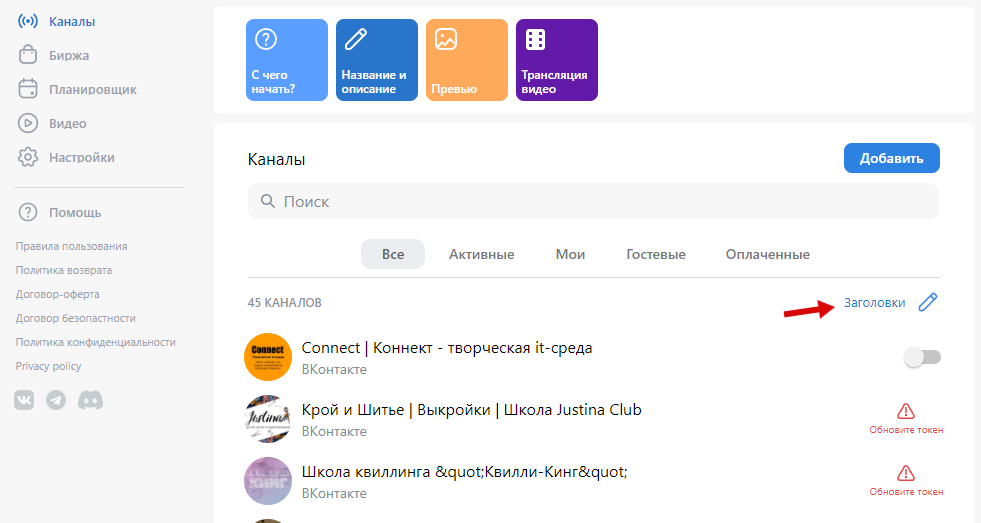
Чтобы применить название и описание трансляции на всех каналах, нажмите вверху «Заголовки»
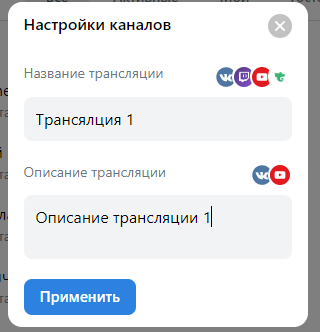
В открывшемся окне введите нужное имя, описание и нажмите «Применить»
{% hint style="info" %}
Изменение названия работает в ВКонтакте, Twitch, Trovo, YouTube
Изменение описания работает в ВКонтакте, YouTube
{% endhint %}
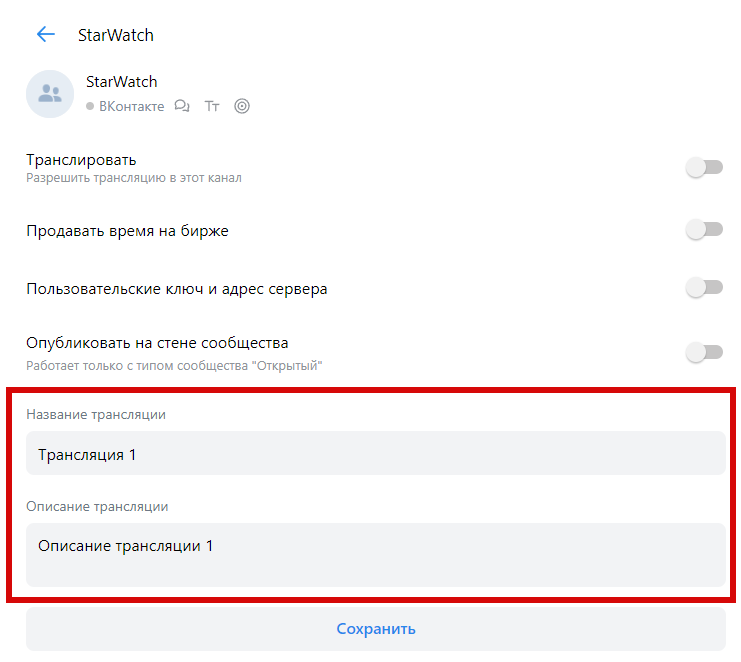
Также, вы можете отредактировать эти данные у каждого канала отдельно, для этого зайдите в настройки канала: